
InDesign Formatting
Translated layouts that look like the original
Accessibility, Publishing & Specialty Services
Standard PDFs are not accessible. We add the structure, tags, alt text, and reading order that screen readers need, so your documents meet WCAG 2.1 and 2.2 Level AA and stay in compliance.
Talk to a coordinator
Need an interpreter today?
Call, email, or send a quote request. A coordinator replies quickly with availability and pricing.
Request a quote24/7 emergency & rush service available
Why Focus
Make every PDF readable by everyone
Remediation to Level AA conformance, the benchmark referenced by Section 508 and most ADA settlements.
Every file is verified with automated accessibility checkers and a manual screen-reader review before it is returned to you.
Correct language tags and reading order for translated documents in more than 120 languages, including right-to-left scripts.
HIPAA-trained staff, signed confidentiality agreements, and secure file transfer for medical, legal, and government records.
Short-notice remediation for public notices, board packets, and filings that cannot wait.

ADA remediation is the process of making electronic documents, most often PDFs, accessible to people who use screen readers and other assistive technology. A remediated document lets a blind or low-vision reader hear an accurate, correctly ordered version of the text, tables, images, and form fields on the page.
The Americans with Disabilities Act and Section 508 of the Rehabilitation Act require that electronic documents made available to the public be accessible. Federal agencies, state and local governments, schools, healthcare providers, and many businesses that receive public funding are covered, and private organizations increasingly face the same expectation from customers and courts.
Remediation does not change what your document says. It adds the hidden structure that assistive technology relies on and fixes visual barriers, such as poor color contrast, that affect readers with low vision or color blindness.

The Web Content Accessibility Guidelines (WCAG) are the international standard for accessible digital content. They are organized around four principles: content must be perceivable, operable, understandable, and robust. Each principle contains success criteria at three levels, A, AA, and AAA.
Level AA is the conformance level referenced by Section 508 and by most ADA enforcement actions and settlements, because it removes the most common barriers without demanding changes that are impractical for most publishers. WCAG 2.1 added criteria for mobile devices and low vision, and WCAG 2.2 added further criteria around focus, navigation, and input. We remediate to the current version so your documents do not fall behind as the guidelines evolve.
For PDFs specifically, WCAG conformance is achieved through a tagged PDF structure (the same structure PDF/UA requires): tagged content, a logical reading order, document language, descriptive metadata, and accessible forms.
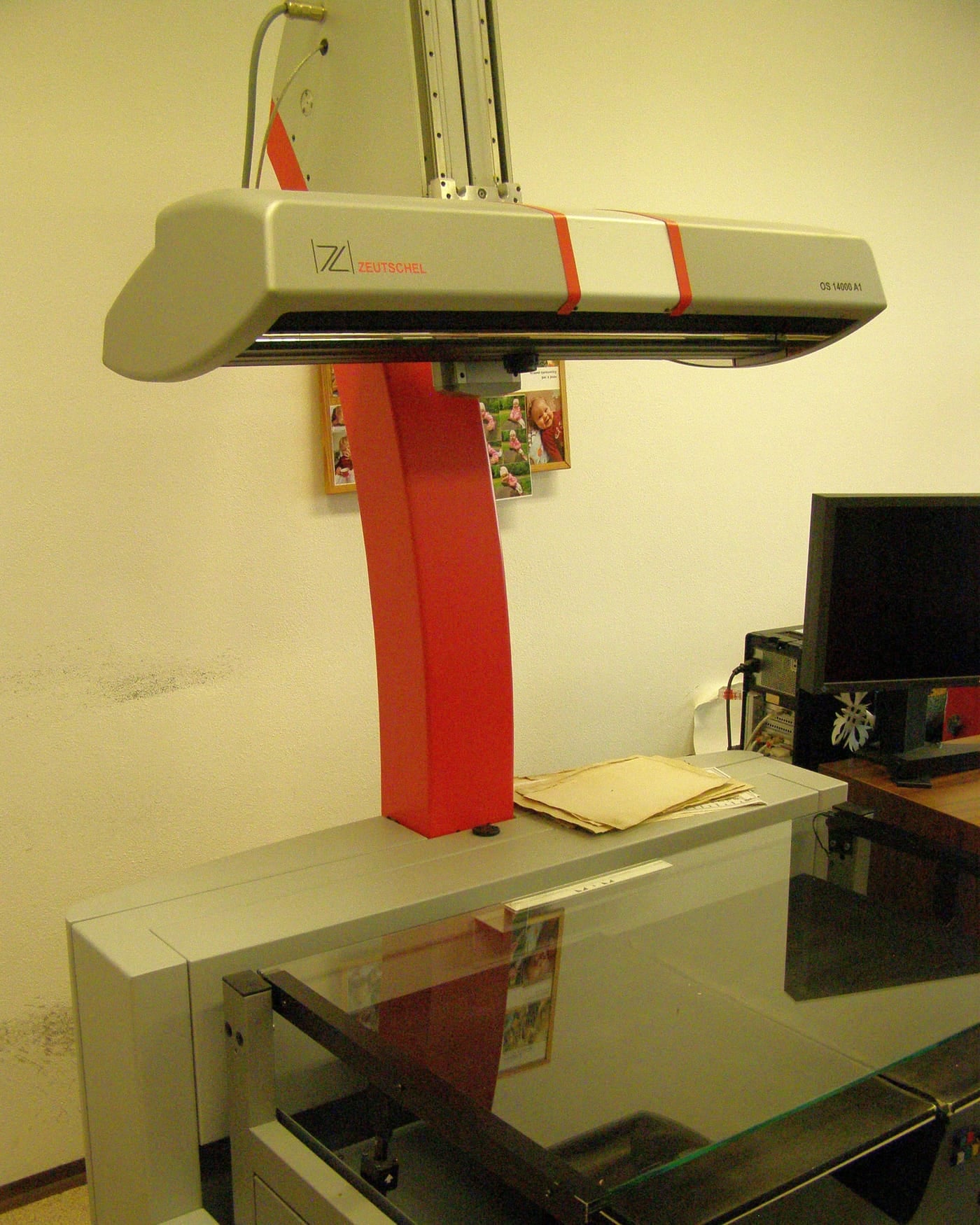
A PDF exported from Word, InDesign, or a scanner usually looks fine on screen but lacks the underlying structure a screen reader needs. Without tags, assistive technology cannot tell a heading from body text, cannot navigate a table cell by cell, and may read columns in the wrong order or skip content entirely.
Scanned PDFs are worse: they are images of text, so a screen reader finds nothing to read at all. Fillable forms often have unlabeled fields, and images carry no description of what they show.

Our accessibility team can remediate most standard PDFs, including scanned documents, long reports, forms, and translated files. Each document goes through a consistent checklist and is verified with automated checkers and a manual screen-reader pass before it is returned to you.
Where a source document has a design problem that cannot be fixed inside the PDF, such as a color scheme that cannot reach the required contrast ratio, we tell you before work begins and offer a solution, whether that is a small layout adjustment or a remediated version alongside the original.
Certified, professional, and experienced staff handle every file, and the same team can translate and remediate the document in one project.

Government agencies at every level publish notices, meeting agendas, applications, and reports that must be accessible under Section 508 and state law. School districts and universities distribute handbooks, enrollment forms, and course materials that students and families with disabilities rely on. Healthcare providers issue patient forms, consent documents, and discharge instructions where an inaccessible file can mean a missed instruction.
Businesses benefit too. Accessible PDFs reach more customers, reduce legal exposure, and are easier for search engines to index. If your organization serves the public, receives federal or state funding, or has already received an accessibility complaint, remediation is the fastest way to bring an existing library of documents into compliance.
How it works
Upload the PDFs or source files, tell us the audience and deadline, and note any documents that also need translation.
We review each document for page count, complexity, forms, tables, and scanned pages, then send an itemized quote and delivery date.
Our accessibility specialists tag the document, set reading order, write alt text, correct contrast, and build accessible form fields.
Each file is verified with automated accessibility checkers and a manual screen-reader review. Issues are fixed before delivery.
You receive the remediated PDF, and a checker report is available on request. We can keep the project on file on request for future updates or additional languages.
Use cases
FAQ
Straight answers on booking, certification, turnaround, and pricing.
Still have a question?
Call (800) 374-5444Tell us about your project and a coordinator will reply within one business hour with a free, no-obligation quote.
Interpreter-owned since 2010 · 120+ languages · 24/7 rush service